

Email Marketing Automation Examples to Try
Email marketing automation helps you send the right message at the right time, based on what each subscriber does. A welcome sequence introduces your brand, while an abandoned cart reminder helps shoppers return to items they left behind. After a purchase, follow-up emails can answer questions and invite feedback. Re-engagement messages can reconnect with inactive subscribers, and loyalty workflows can reward repeat customers. Start with one clear goal, choose a relevant trigger and review campaign results regularly. These insights will help you improve each workflow and make your communication more useful over time.
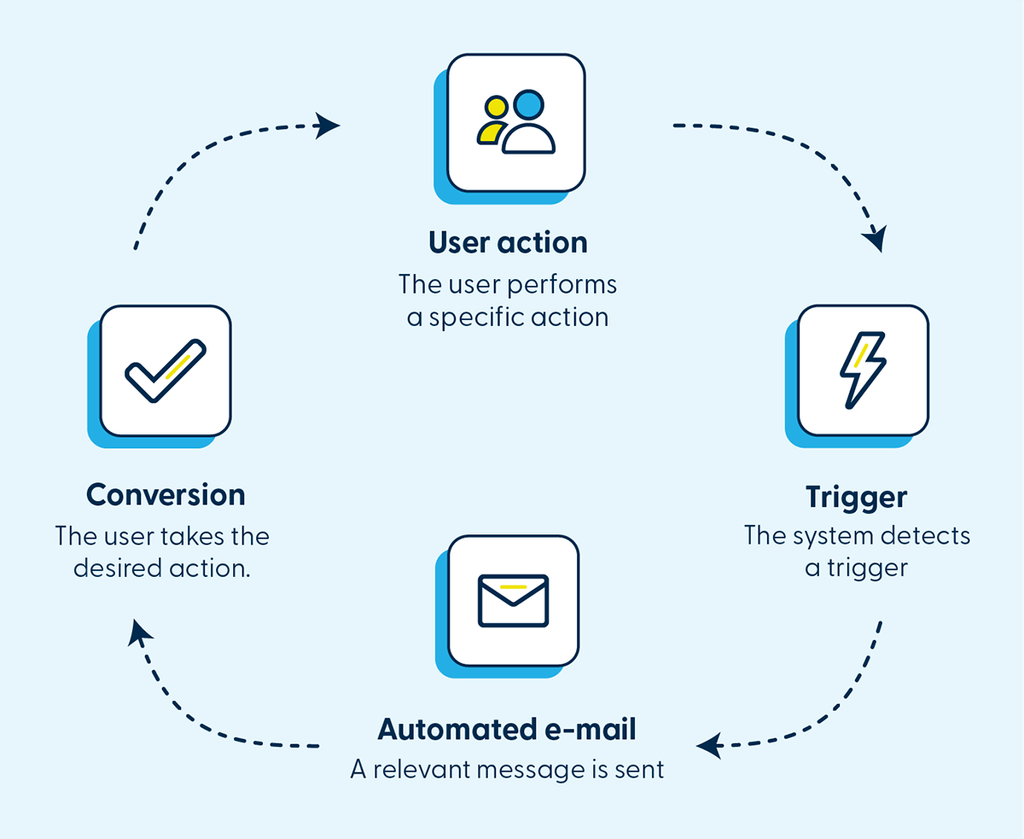
Imagine every new subscriber receiving a welcome e-mail, every abandoned cart triggering a timely reminder, and every inactive customer getting a reason to come back – all without your team having to send messages or track users manually. That’s the value of e-mail automation.
Set up a trigger, define the rules and prepare your content. The automation will then send a relevant message whenever a customer takes a specific action. The result? Fewer repetitive tasks for your team and more timely communication for your customers.
WELCOME E-MAIL 👋
Someone has just signed up for your newsletter. Their interest in your brand is especially high at this point, so don’t wait until your next campaign to reach out.
An automated welcome e-mail can:
- welcome new subscribers
- introduce your key products or services
- offer an incentive for their first purchase
- guide them towards the next step
Trigger: Newsletter sign-up
Automation: A welcome e-mail or a series of messages
Goal: Drive initial engagement and conversions
ABANDONED CART 🛒
A customer has added products to their cart but hasn’t completed their purchase? Instead of letting them slip away, an automated e-mail can remind them about the products they left behind and encourage them to complete their purchase.
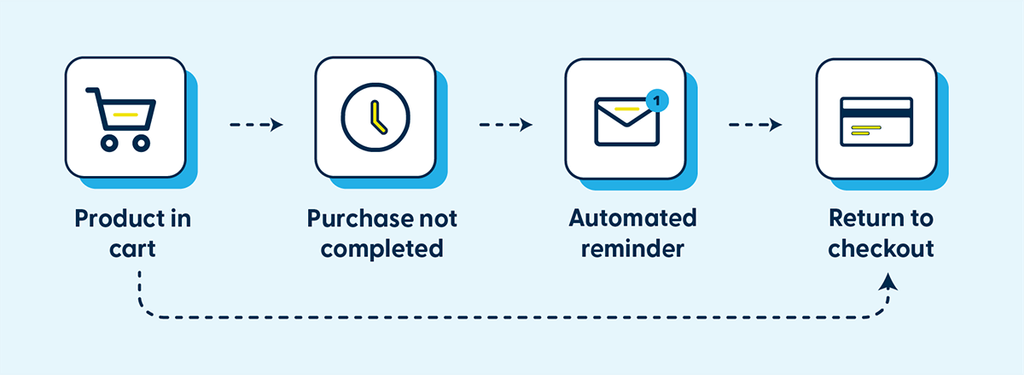
A simple workflow can help recover some of the conversions you might otherwise lose.
POST-PURCHASE COMMUNICATION 📦
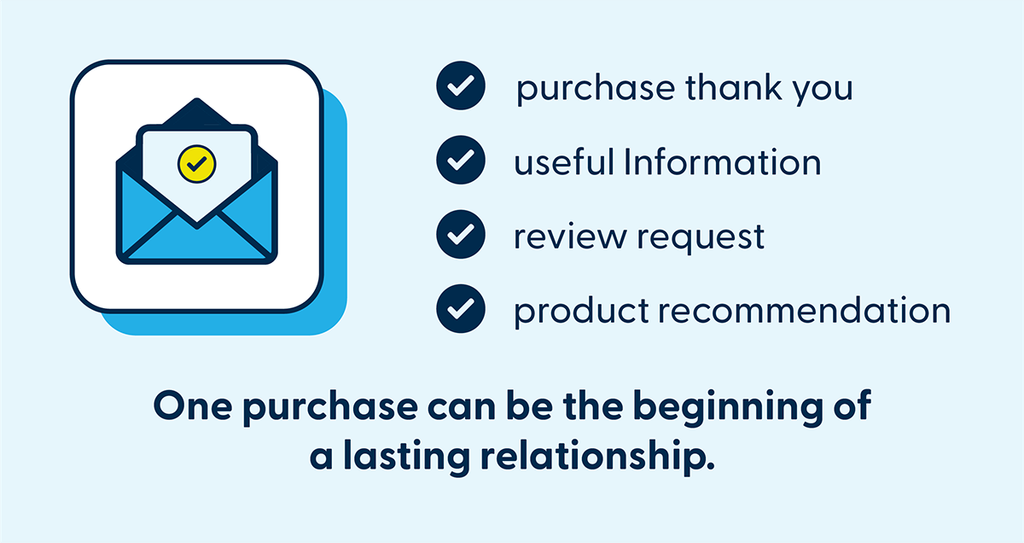
The customer journey doesn’t end with a purchase. You can automatically send a thank-you message, share useful information, ask for a review or recommend products related to their purchase.
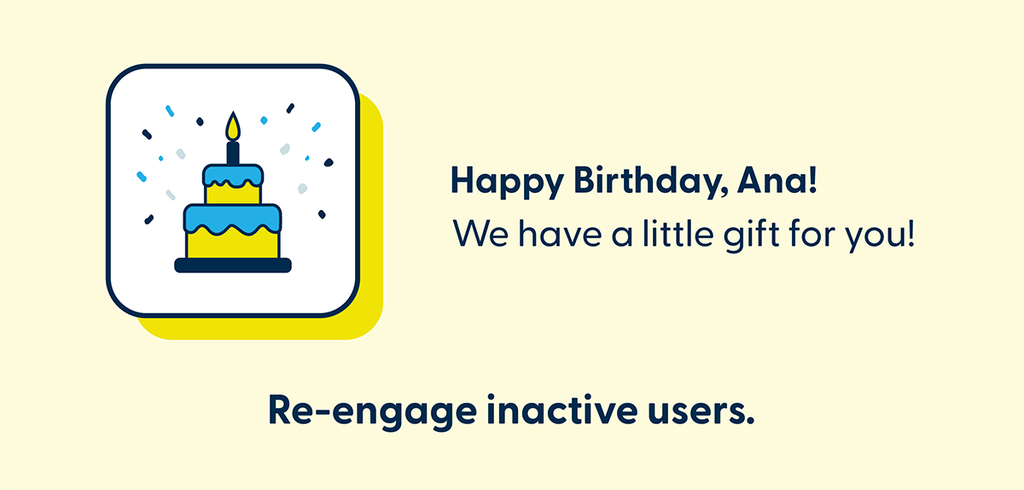
BIRTHDAY AUTOMATION 🎂
A small, personalised gesture can make a big difference. If you have your customers’ birth dates, you can schedule an automated birthday message with a special offer, discount or other benefit.
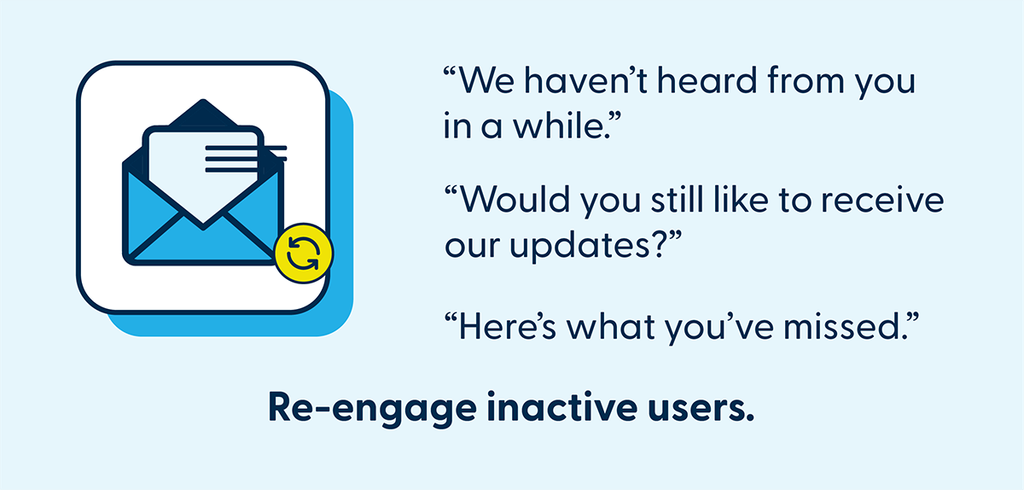
RE-ENGAGEMENT CAMPAIGN 👀
Over time, some subscribers may stop opening your emails or clicking on your content. That doesn’t mean you’ve lost them for good. An automation can identify customers who haven’t been active for a set period and launch a re-engagement campaign.
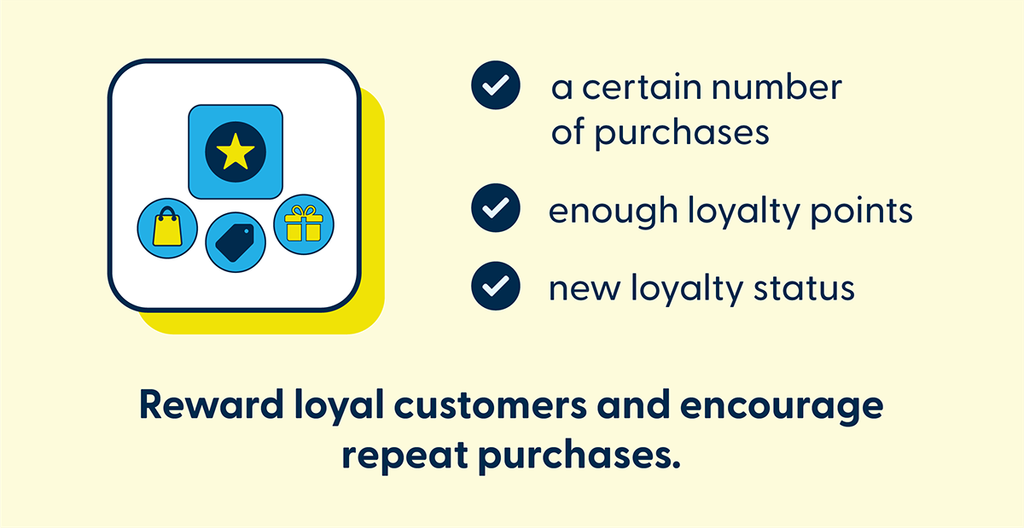
LOYALTY AUTOMATION ⭐
Your most loyal customers deserve different communication from people who have only just discovered your brand. When they make a certain number of purchases, earn enough points or reach a new membership tier, an automation can send a relevant message – such as a reward, a special offer or exclusive content.
LEAD NURTURING 🔥
Potential customers often need more time and information before making a purchase decision. Instead of sending the same sales message to every lead, create an automated sequence of content that gradually guides them towards a decision. This way, your communication reflects their interests and needs – without your team having to follow up with every contact manually.
Automation doesn’t mean less personal communication
Good e-mail automation helps you send the right message to the right person at the right time, based on their interests and behaviour. You don’t have to automate everything at once.
Start with one process you currently handle manually, such as welcome e-mails or abandoned cart reminders. Measure the results, then gradually build more advanced scenarios. Less manual work. More relevant communication. More opportunities to convert.
With Webpower by Spotler, you can create automated customer journeys and bring together customer data, behaviour and personalised e-mail communication in a single workflow. Which process would you automate first?